Smart Speakers with Google Assistant: Transform Your Home Into a Smart Hub
Smart speakers are more than just audio devices—they are central hubs for your smart home, capable of controlling devices, playing music, providing information, and automating routines. Among the top options, Google Assistant-enabled smart speakers stand out for their versatility, affordability, and integration with the Google ecosystem.
In this guide, we’ll cover what Google Assistant smart speakers are, their top features, benefits, setup, smart home integration, troubleshooting tips, and FAQs, helping you make the most of your smart home experience.
Why Choose Google Assistant Smart Speakers?
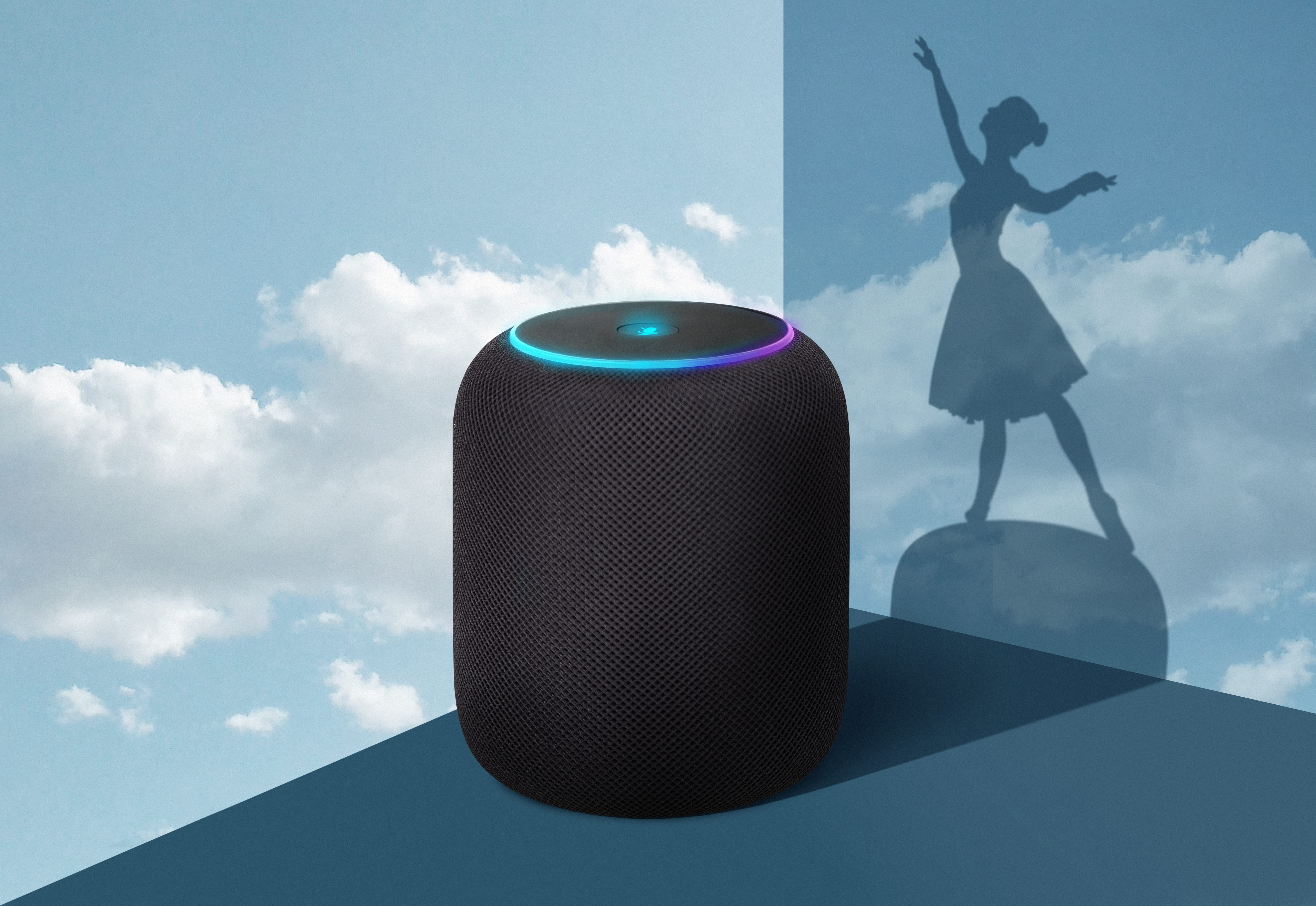
Google Assistant smart speakers, such as Google Nest Mini, Nest Audio, and Nest Hub, offer several advantages over traditional audio devices:
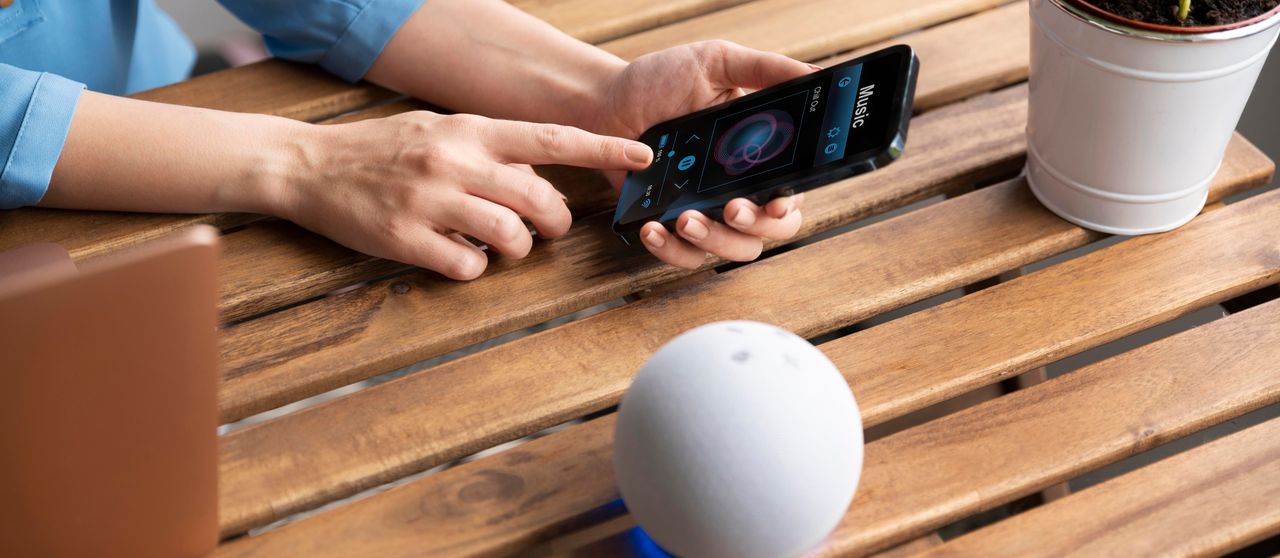
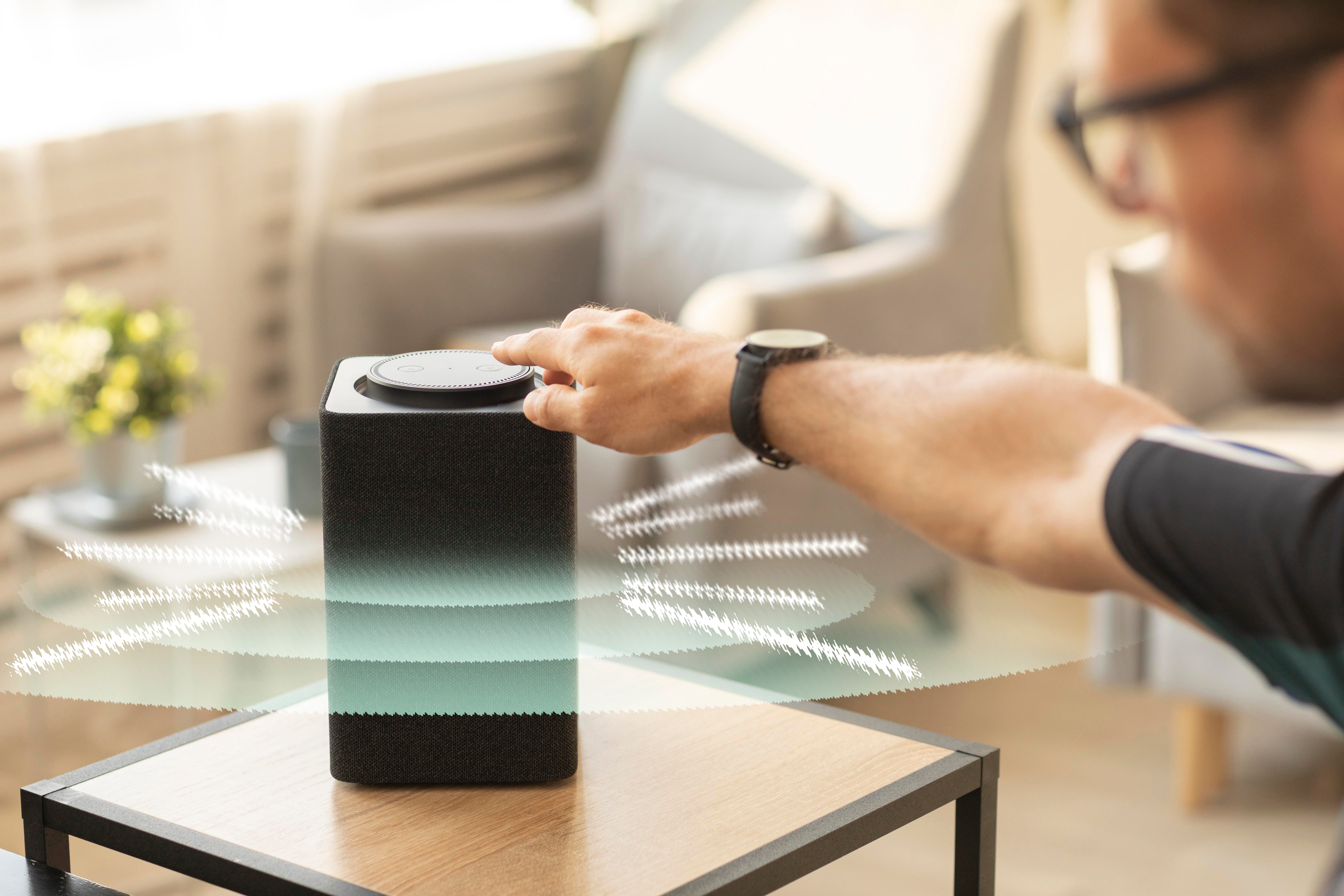
- Hands-Free Voice Control: Play music, ask questions, set reminders, or control smart home devices using voice commands.
- Seamless Smart Home Integration: Works with lights, plugs, cameras, thermostats, and security systems.
- Affordable Options: A range of products suits different budgets and home sizes.
- Multi-Room Audio: Stream music simultaneously across multiple speakers for a whole-home audio experience.
- Personal Assistance: Google Assistant can answer questions, provide news updates, weather forecasts, and calendar notifications.
By integrating Google Assistant smart speakers, you can simplify daily tasks and create a connected, intelligent home environment.
Top Google Assistant Smart Speakers
1. Google Nest Mini
- Compact and affordable, perfect for small spaces.
- Clear 360-degree sound for music and podcasts.
- Voice control for smart devices, timers, reminders, and questions.
2. Google Nest Audio
- Premium sound quality for larger rooms.
- Deep bass and clear vocals, ideal for music lovers.
- Supports multi-room setup with other Nest devices.
3. Google Nest Hub (Smart Display)
- Adds a visual interface to Google Assistant.
- Stream videos, display recipes, view security cameras, and video call.
- Can control multiple smart home devices from a single screen.
4. Google Nest Hub Max
- Larger display with high-quality speakers.
- Includes a camera for video calls and home monitoring.
Gesture controls for touch-free interactions.
Key Features of Google Assistant Smart Speakers
1. Voice-Controlled Music and Media
- Stream music from Spotify, YouTube Music, Pandora, or Google Play Music.
- Play podcasts, audiobooks, and radio stations hands-free.
- Ask Google to play specific playlists, genres, or songs.
2. Smart Home Integration
- Control compatible smart lights, plugs, cameras, thermostats, and locks.
- Create routines such as “Good Morning” to adjust lighting, start a coffee maker, and read the weather.
3. Personalized Assistance
- Google Assistant recognizes different voices and provides personalized information such as calendar updates, reminders, and commute times.
- Answer questions, provide news summaries, and set timers or alarms.
4. Multi-Room Audio
- Pair multiple Google Assistant speakers for synchronized audio throughout the house.
- Use groups in the Google Home app to play music in select rooms.
5. Hands-Free Communication
- Make phone calls or video calls (on Nest Hub devices).
- Broadcast messages to other Google Assistant speakers in your home.
6. Smart Routines and Automation
- Automate home tasks like turning on lights, adjusting temperature, or locking doors with voice commands.
- Example: “Hey Google, bedtime” dims the lights, locks doors, and sets an alarm.
How to Set Up Google Assistant Smart Speakers
Step 1: Unbox and Power On
- Plug in your Google smart speaker and wait for it to power up.
- The LED lights will indicate readiness for setup.
Step 2: Download Google Home App
- Available for iOS and Android.
- Create or log into a Google account.
Step 3: Connect to Wi-Fi
- Open the Google Home app → Tap Add → Set up device → New device.
- Follow prompts to connect your speaker to your Wi-Fi network.
Step 4: Personalize Settings
- Assign the speaker to a room in your home.
- Link music services, calendars, and smart home devices.
Step 5: Test Commands
- Try commands like:
- “Hey Google, play jazz music.”
- “Hey Google, turn on the living room lights.”
- “Hey Google, what’s the weather today?”
Step 6: Set Up Routines
Use the Google Home app to create custom routines for morning, evening, or special events.
Integrating Google Assistant Smart Speakers with Your Smart Home
1. Lighting Control
- Works with smart bulbs from Philips Hue, TP-Link, Sengled, and others.
- Voice commands or routines can adjust brightness, colors, or schedules.
2. Security Systems
- Connect cameras, smart locks, and motion sensors for automated monitoring.
- Example: Ask Google to show the front door camera on a Nest Hub display.
3. Appliances
- Control smart plugs, coffee makers, fans, or humidifiers with voice commands or routines.
4. Multi-Room Coordination
- Use groups to play music or announcements in specific rooms.
- Broadcast messages across the home for communication without walking room to room.
5. Voice-Powered Convenience
- Ask Google Assistant to add items to your shopping list, schedule events, or check traffic.
- Control your smart home without needing to touch an app or device.
Troubleshooting Common Issues
Even the best smart speakers can encounter minor issues:
1. Speaker Not Responding
- Ensure it is powered on.
- Check Wi-Fi connectivity and reset if needed.
2. Voice Commands Not Working
- Train Google Assistant to recognize your voice in the app.
- Ensure microphone is not muted.
3. Streaming Issues
- Check your music service subscriptions and network stability.
- Restart the speaker or router if needed.
4. Device Not Connecting to Smart Home
- Ensure the smart device is compatible with Google Assistant.
- Re-link the device in the Google Home app.
5. Multi-Room Audio Not Synced
- Check group settings in Google Home app.
Ensure all speakers are on the same Wi-Fi network.
Tips for Maximizing Google Assistant Smart Speakers
Create Routines: Automate daily tasks for efficiency and convenience.
Use Multi-Room Groups: Enjoy synchronized music and announcements across your home.
Voice Shortcuts: Program shortcuts for frequent commands like “Good morning” or “Movie time.”
Regular Updates: Keep the Google Home app and devices updated for new features.
Integrate with Other Smart Devices: Connect lights, locks, cameras, and thermostats for a truly smart home experience.
Frequently Asked Questions (FAQs)
Most devices that support Google Assistant work seamlessly, but check device compatibility before purchase.
Yes. Use groups in the Google Home app for multi-room audio and coordinated commands.
Yes. Wi-Fi is required for voice commands, smart home integration, streaming, and app control.
Yes. Supported on Nest Hub devices and Nest Mini, using Google Duo or other connected services.
Absolutely. Google Assistant works with thousands of compatible smart devices for hands-free home control.
Conclusion
Google Assistant smart speakers are essential devices for modern smart homes, offering convenience, automation, and centralized control. From playing music and answering questions to controlling lights, cameras, and thermostats, these devices make daily life easier and more connected.
Whether you choose a compact Nest Mini, high-quality Nest Audio, or interactive Nest Hub, integrating Google Assistant smart speakers into your home allows for hands-free operation, personalized routines, and multi-room control.
By setting up properly, exploring smart home integration, and leveraging routines, you can transform your home into a fully connected, intelligent environment, all controlled with simple voice commands.