
Wyze Robot Vacuum: Smart Cleaning Made Easy
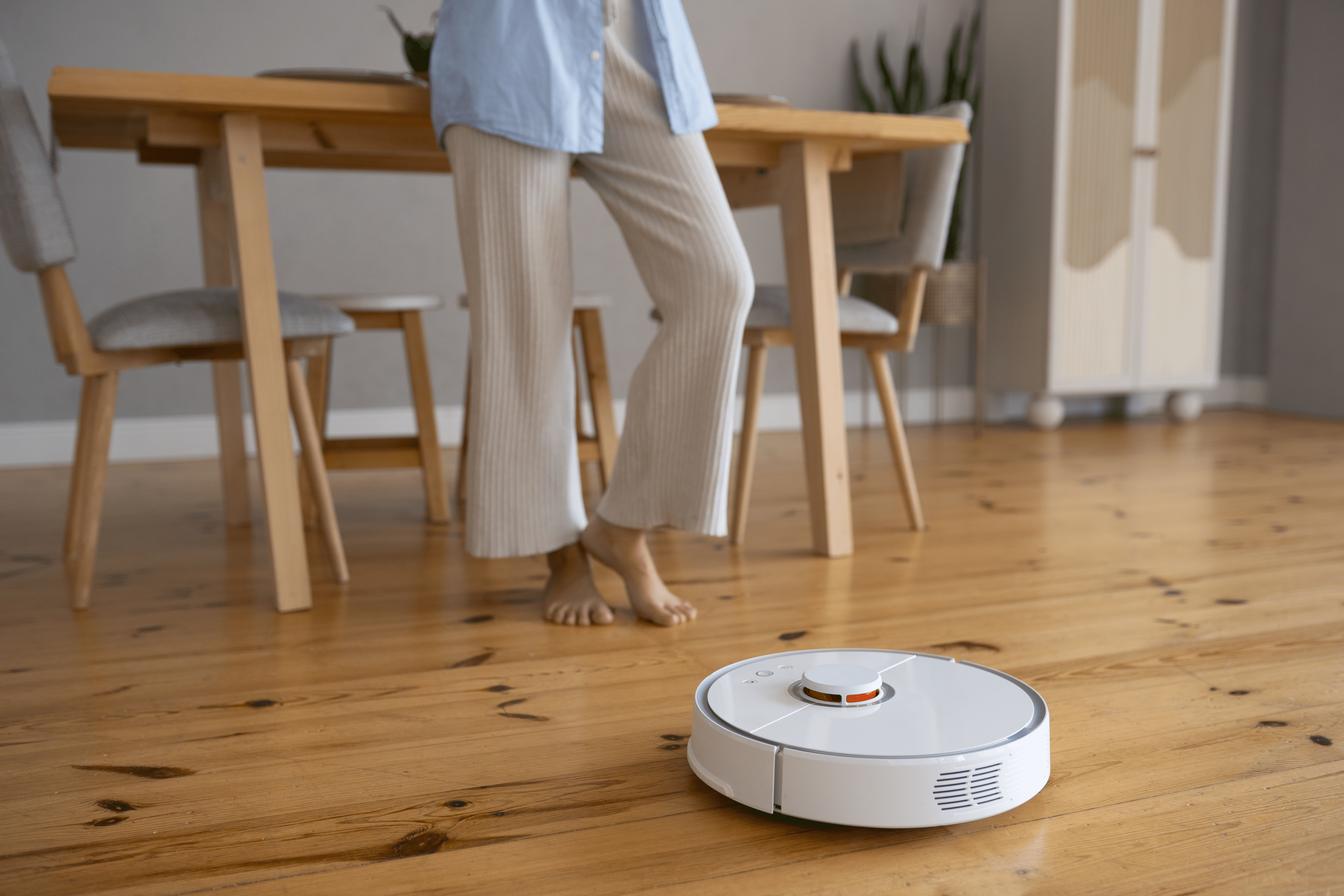
Maintaining a clean home can be time-consuming, especially for busy households. Enter the Wyze Robot Vacuum, a smart home device designed to automate your cleaning tasks, making your life easier and your home spotless.
Combining affordability, advanced features, and seamless smart home integration, the Wyze Robot Vacuum is a top choice for anyone seeking convenience and efficiency. In this guide, we’ll cover its features, setup instructions, maintenance tips, smart home integration, and troubleshooting to help you get the most out of your smart cleaning assistant.
Why Choose Wyze Robot Vacuum?
Wyze has a reputation for producing affordable, high-quality smart home devices, and their robot vacuum is no exception:
- Time-Saving Automation: Automate daily cleaning routines, freeing up your valuable time for other tasks.
- Smart Home Integration: Compatible with Alexa, Google Assistant, and the Wyze app for full voice and app control.
- Affordable Price: Provides advanced navigation and high-end features at a fraction of premium vacuum costs.
- Efficient Cleaning: Built to handle carpets, hardwood, and tiles with strong suction and multi-surface adaptability.
Tip: Compact & Sleek Design: Slim profile easily fits under beds, sofas, and furniture for comprehensive floor cleaning.
Key Features of Wyze Robot Vacuum
The Wyze Robot Vacuum makes home cleaning effortless with smart technology, strong suction, and seamless automation:
Mapping & Navigation: Uses advanced sensors and algorithms to map your home layout, avoiding obstacles and enabling precise zoned cleaning.
Powerful Suction: Strong suction power easily removes fine dust, dirt, pet hair, and heavy debris from both carpets and hard floors.
Automatic Dirt Detection: Intelligently senses heavily soiled areas or high-traffic zones and boosts cleaning power automatically.
Scheduled Cleaning: Set customized daily or weekly cleaning routines directly through the user-friendly Wyze smartphone app.
Smart Integration: Works directly with Amazon Alexa and Google Assistant for effortless hands-free voice commands.
Multi-Surface Cleaning: Adapts automatically when transitioning between hardwood, ceramic tiles, and thick area carpets.
Compact Design: Low-profile build allows the vacuum to easily glide under low-hanging beds, sofas, and kitchen cabinets.
Recharge & Resume: Automatically returns to its charging dock when low on battery, then resumes cleaning right where it left off.
How to Set Up Your Wyze Robot Vacuum
Follow these simple steps to get your robot vacuum ready for smart and efficient cleaning:
Unbox the Device: Remove the robot vacuum, charging dock, and accessories. Ensure you have a stable Wi-Fi connection and smartphone ready.
Place the Charging Dock: Position dock against a wall on a flat surface. Leave at least 1.5 feet of space on both sides and 4 feet in front.
Download the Wyze App: Install the Wyze app from the App Store or Google Play. Create an account or log in with existing credentials.
Power On & Charge: Press the power button to turn on the vacuum and place it on the dock to fully charge before initial setup.
Connect to Wi-Fi: Open the app, tap Add a Device, select Wyze Robot Vacuum, and follow prompts to connect to a 2.4GHz network.
Configure Preferences: Customize schedules, suction levels, and cleaning zones in the app, or name your vacuum for voice control.
Integrating with Your Smart Home
Alexa Integration: Connect to Alexa for easy voice control. Commands include: “Alexa, start the Wyze vacuum” or “Alexa, send the vacuum home.”
Google Assistant: Works seamlessly with Google Home and Nest Hub. Say: “Hey Google, start cleaning the living room” for effortless cleaning.
Automated Routines: Combine with smart sensors: Set the vacuum to start automatically as soon as everyone leaves the house and lights turn off.
Multi-Room Cleaning: Create targeted cleaning zones in the Wyze app—perfect for high-traffic entryways or kitchen mealtime cleanups.
Real-Time Notifications: Receive app alerts for cycle start/completion, obstacle warnings, stuck vacuum alerts, or low battery status updates.
Troubleshooting Common Issues
Vacuum Not Charging: Verify dock is plugged in and vacuum contacts are aligned. Wipe charging contacts clean and move dock to a flat surface.
Vacuum Getting Stuck: Clear loose floor wires, small rugs, or clutter. Avoid running over high thresholds or extra thick shag rugs.
Wi-Fi Connection Fails: Ensure phone and vacuum connect to a 2.4GHz Wi-Fi network. Restart both the vacuum and router if needed.
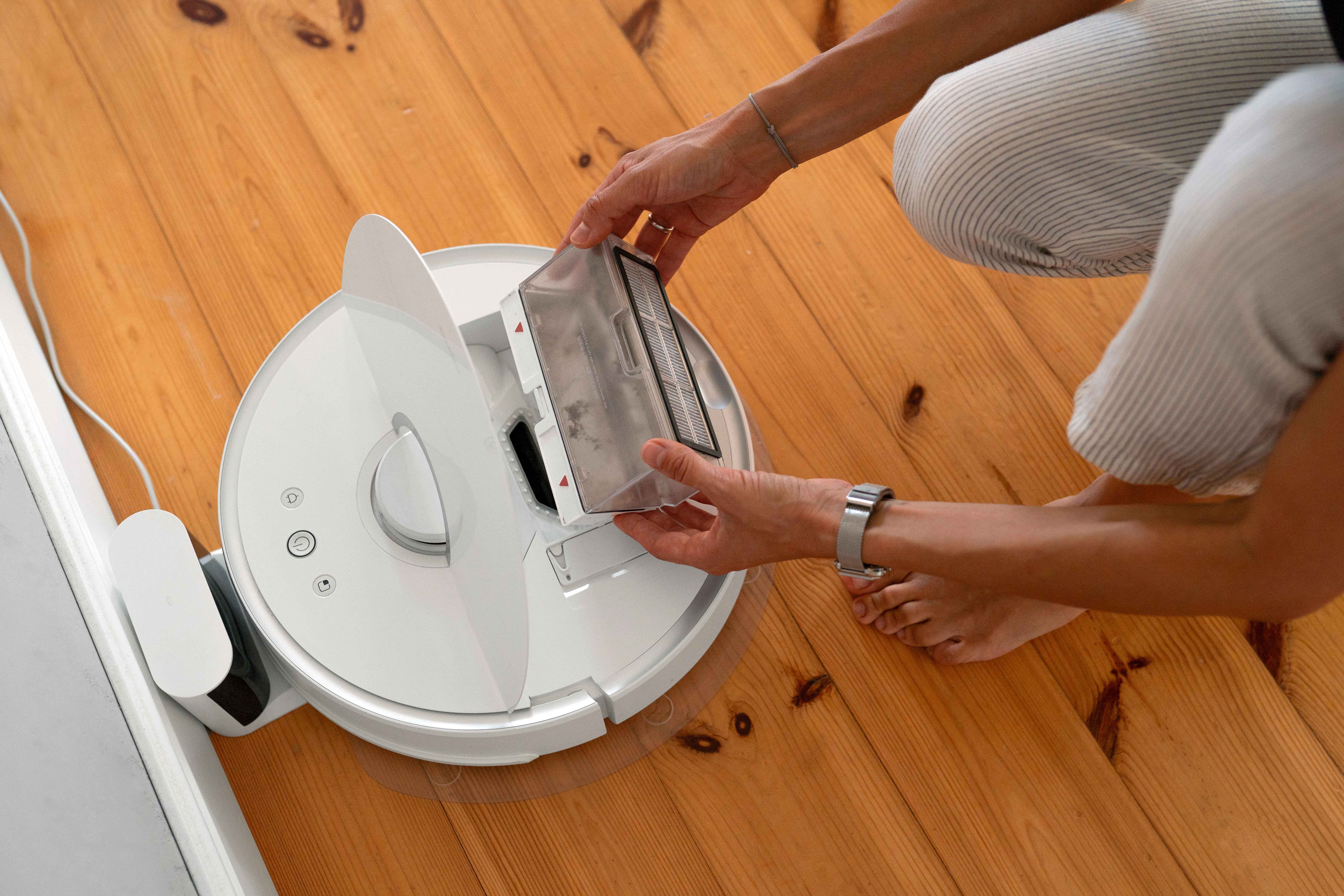
Reduced Suction Power: Empty dustbin frequently, clean the dust filter, and remove tangled hair or debris from main roller brushes.
App Not Controlling Vacuum: Update app and firmware to latest versions. Confirm you are logged into the correct Wyze account and device is powered on.
Tips for Maximizing Your Wyze Robot Vacuum
Schedule Regular Cleaning: Automate daily or weekly sessions to maintain consistently clean floors.
Clear Obstacles: Tidy up stray power cords, small rugs, or fragile items to avoid cleaning interruptions.
Use Smart Home Routines: Combine vacuum schedules with other home routines like turning off lights or locking doors.
Monitor via App: Check real-time cleaning progress, battery levels, and notifications remotely from anywhere.
Maintain Brushes and Filters: Perform routine brush and filter cleaning to ensure optimal suction and device longevity.
Written by Abdul Wahab
Smart Home Fixer covers smart lighting, home automation gadgets, and practical setup guides to help you get the most out of your connected home.
Last Updated: August 22, 2026