What Is the Google Nest Hub in 2026?
AW By Abdul Wahab • Last Updated: August 22, 2026
The Google Nest Hub lineup includes two main smart displays: the compact Nest Hub (2nd Gen) with a 7-inch touchscreen and the larger Nest Hub Max with a 10-inch screen. These devices combine Google Assistant (upgraded to Gemini AI in 2026) with visual controls, making them ideal for smart home management, entertainment, and daily routines.
In January 2026, the Nest Hub series remains a top choice for Google ecosystem users. The 2nd Gen (released 2021, still current) offers enhanced audio and sleep sensing, while the Max (2019) provides better sound and a built-in camera. No major hardware refresh has launched yet, but Google is committed to smart displays—rumors point to potential 2026 updates with Gemini enhancements, better audio (e.g., Low Energy Audio/Auracast), and expanded Matter/Thread support. Gemini replaces traditional Google Assistant on Nest devices for more natural conversations, smarter routines, and contextual help. Matter compatibility (via built-in Thread border router in both models) lets them control devices from Philips Hue, Wiz, Aqara, and more across ecosystems without extra hubs.
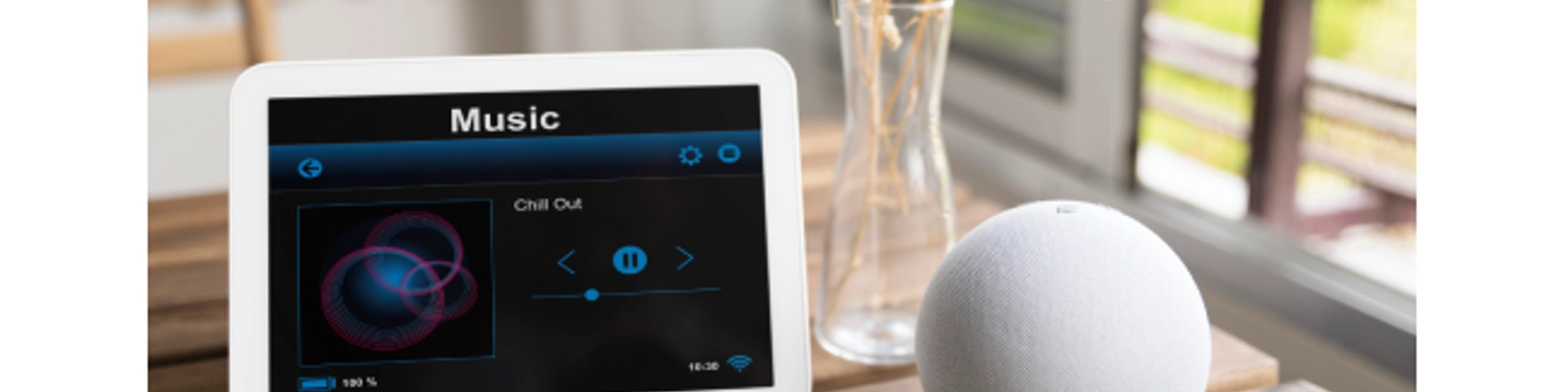
Key Features of Google Nest Hub (2026)
- Display & Design: 7-inch (2nd Gen) or 10-inch (Max) touchscreen with adaptive brightness and Ambient EQ.
- Audio: Upgraded speaker on 2nd Gen; Max features dual 10W stereo with woofer/tweeters.
- Smart Home Control: Manage lights, thermostats, and locks via touch or voice with Matter/Thread support.
- Gemini AI Upgrades: Natural language processing, better context, automated routines, and media integrations.
- Entertainment & Wellness: Stream Netflix/YouTube, play Spotify, and utilize Sleep Sensing on the 2nd Gen.
Google Nest Hub vs Amazon Echo Hub (2026 Comparison)
- Screen & Design: Nest Hub features a 7/10-inch photo-frame style, whereas the Echo Hub is an 8-inch wall-mounted dashboard.
- Voice AI: Nest utilizes conversational Gemini AI, while Echo relies on Alexa+.
- Smart Home & Audio: Both support Matter/Thread/Zigbee, but Nest Max delivers superior stereo audio and natural AI integration.
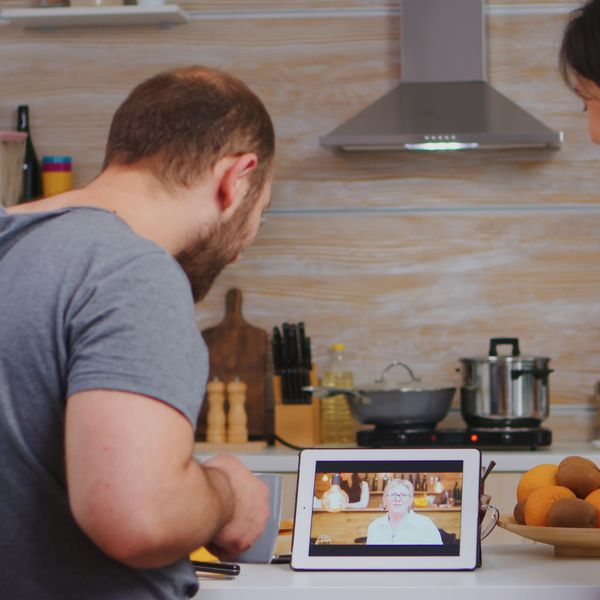
Step-by-Step Setup Guide for Google Nest Hub
- Unbox & Plug In: Connect power and wait for setup prompts to appear on screen.
- Google Home App: Download the app, sign in, and select your new device to set up.
- Connect Wi-Fi: Link to your 2.4 GHz network and enable Bluetooth.
- Customize & Integrate: Enable Gemini, set Voice Match, and pair Matter-enabled smart devices easily.
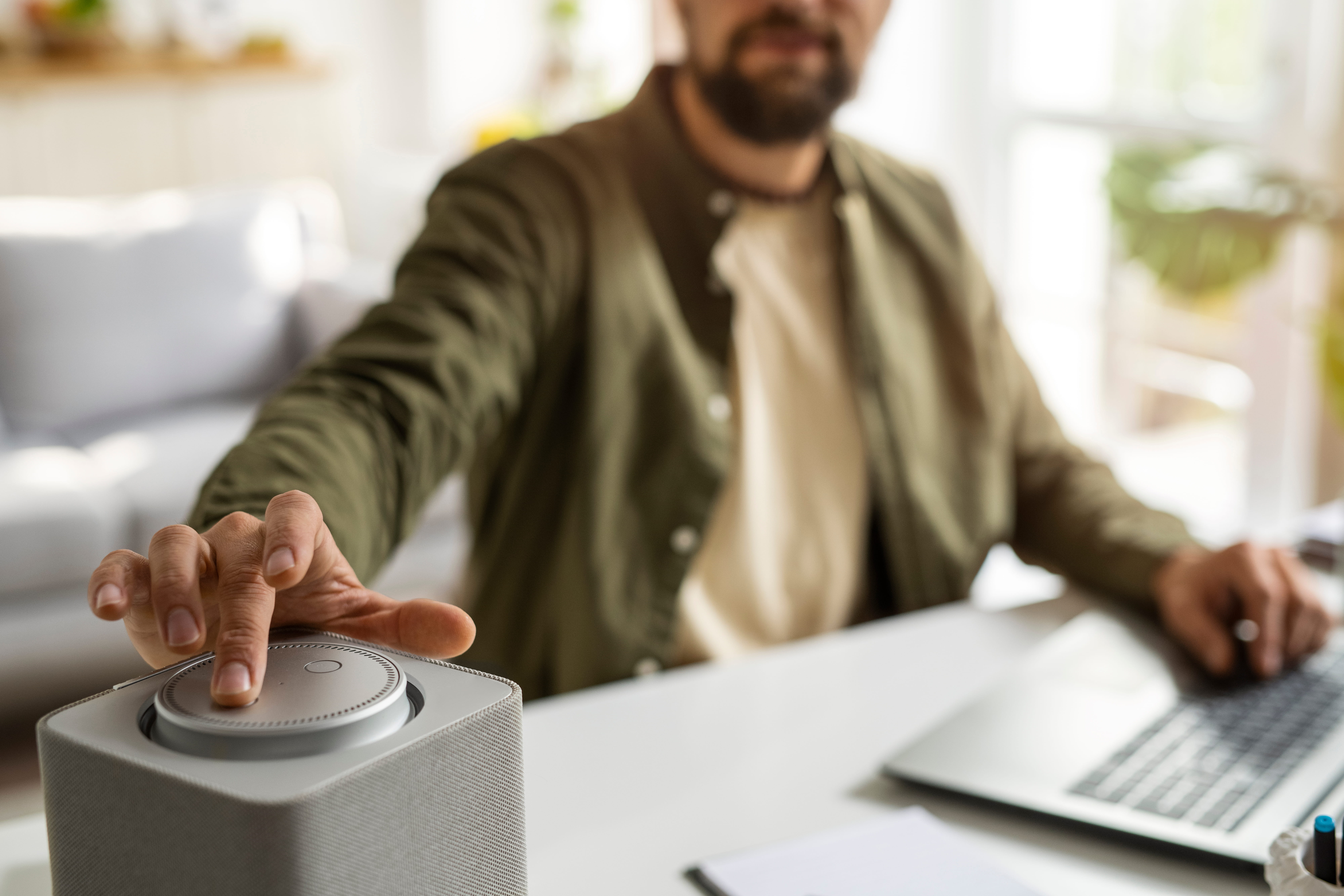
Tips for Using Nest Hub in 2026
- Optimize Wi-Fi: Use mesh systems for stable coverage across your home.
- Privacy Controls: Mute mics or cameras when needed and review Gemini data in the app.
- Expand Ecosystem: Pair with Nest Cams, Doorbells, and Matter smart lights.
- Leverage Gemini: Ask complex queries to plan your day efficiently using weather and calendar integrations.
Written by Abdul Wahab
Smart Home Fixer covers smart lighting, home automation gadgets, and practical setup guides to help you get the most out of your connected home.
Frequently Asked Questions
No, the Nest Hub (2nd Gen) and Nest Hub Max are not discontinued—they're still fully supported with security updates until at least March 2026 (2nd Gen) and beyond for Max. Google stopped selling older stock in some regions to make way for potential new hardware, but the devices remain active. Google confirmed commitment to smart displays in late 2025, with rumors and teasers of a refreshed Nest Hub (possibly with better hardware, Gemini optimizations, and an "incredible form factor") expected sometime in 2026. A new Google Home Speaker is coming Spring 2026, which may complement displays. Your current Nest Hub gets ongoing Gemini AI upgrades via software—no need to buy new yet unless you want the latest.
Plug in the device (screen shows setup prompts), download/open the Google Home app, sign in with your Google account, go to Devices > + > Set up device > New devices > select Nest Hub model, scan the QR code on the back/base, connect to Wi-Fi (2.4 GHz preferred; enable IPv6 on router for Matter), and follow prompts for location, Voice Match, and Gemini activation. Common connection fixes:
- Switch phone to airplane mode then turn on only Wi-Fi (avoids Bluetooth interference).
- Restart hub (unplug 30 seconds) and router.
- Update Google Home app and check for device firmware.
- If "could not communicate" error: Close/reopen app, wait 15 seconds, or factory reset (hold volume up + down for 10 seconds until it restarts). Setup usually takes 10–20 minutes.
Yes—both Nest Hub (2nd Gen) and Max act as Matter controllers and Thread border routers (built-in). This enables seamless control of Matter-enabled lights (Wiz, Philips Hue), plugs, sensors, etc., across Google Home, Alexa, or Apple HomeKit (with compatible bridges). No extra hub needed for most setups. To add: In Google Home app > Devices > + > Matter-enabled device > Scan QR code or enter pairing code. Ensure IPv6 is enabled on your router (critical for reliable Matter). Nest Hub handles local processing for faster, more private automations. In 2026, Matter 1.4+ expands support for cameras/appliances—perfect for mixed-brand smart homes.
Gemini for Home is Google’s new AI-powered voice assistant for compatible Google Home and Nest devices. It is rolling out gradually to eligible users in supported countries and languages. Basic features are available at no cost, including smart home controls, media search and playback, alarms and timers, calendars, notes, lists, reminders, and general questions. Some advanced features, such as Gemini Live and certain AI-powered camera features, require a Google Home Premium subscription.
To check whether Gemini for Home is available on your Nest Hub, make sure you have the latest version of the Google Home app. Open the app, go to Home settings, and look for the Gemini for Home setup prompt. If the upgrade is available for your home, Google will guide you through the setup process.
Gemini for Home supports compatible devices including the Nest Hub (2nd Gen), Nest Hub Max, Nest Audio, Nest Mini (2nd Gen), and other supported Google smart speakers and displays. Availability can vary by country, language, device, and account.
For the latest supported countries, languages, devices, and features, check Google’s official Gemini for Home support information.
Offline or Wi-Fi issues: Restart your Nest Hub and Wi-Fi router, then check that other devices can connect to the internet. Make sure the Google Home app is up to date and that your Nest Hub has a stable Wi-Fi connection. If multiple Nest devices are offline, restarting the router may help restore the connection.
Voice commands not working: Check that the microphone is not muted, then restart the Nest Hub. Make sure the Google Home app and device software are up to date. If Voice Match is causing problems, review your Voice Match settings in the Google Home app.
Blank, frozen, or unresponsive display: Restart the Nest Hub by unplugging its power cable, waiting about one minute, and plugging it back in. You can also restart the device from the Google Home app.
Automations or routines not working: Open the Google Home app and check your routines, devices, and automation settings. Make sure the affected devices are online and that the Google Home app is running the latest version.
Factory reset: Only use a factory reset if normal troubleshooting does not solve the problem because it erases the device's data and cannot be undone. On a Nest Hub, press and hold both volume buttons on the back of the device for about 10 seconds until it confirms that it is resetting.
- General fixes: Keep the Google Home app updated, restart your phone if you're having setup or connection problems, and check Google's official support resources for device-specific troubleshooting. If the problem continues after these steps, Google Home Help and the Google Nest Help Community can provide additional guidance.