What Is the Amazon Alexa App and Why You Need It in 2026?
The Amazon Alexa app is the essential companion for anyone using Alexa-enabled devices like Echo Dot, Echo Show, Echo, or Fire TV. It's free to download and serves as your control center: set up new devices, manage smart home gadgets (lights, plugs, Ring cameras), create routines, adjust privacy settings, control music/playlists, view shopping lists, and access advanced features.
In 2026, the app has evolved with Alexa+ — Amazon's next-gen AI assistant. Alexa+ offers more natural conversations, context retention across devices (phone, Echo, browser via alexa.com), task completion (reservations, calendars, shopping), and integrations (Uber, OpenTable, smart home). Alexa+ is in Early Access (free through at least January 2026) for eligible users with compatible Echo/Fire devices or Prime membership; otherwise, it's $19.99/month post-Early Access.
Without the app, you miss full customization — voice commands work on devices, but the app unlocks everything else.
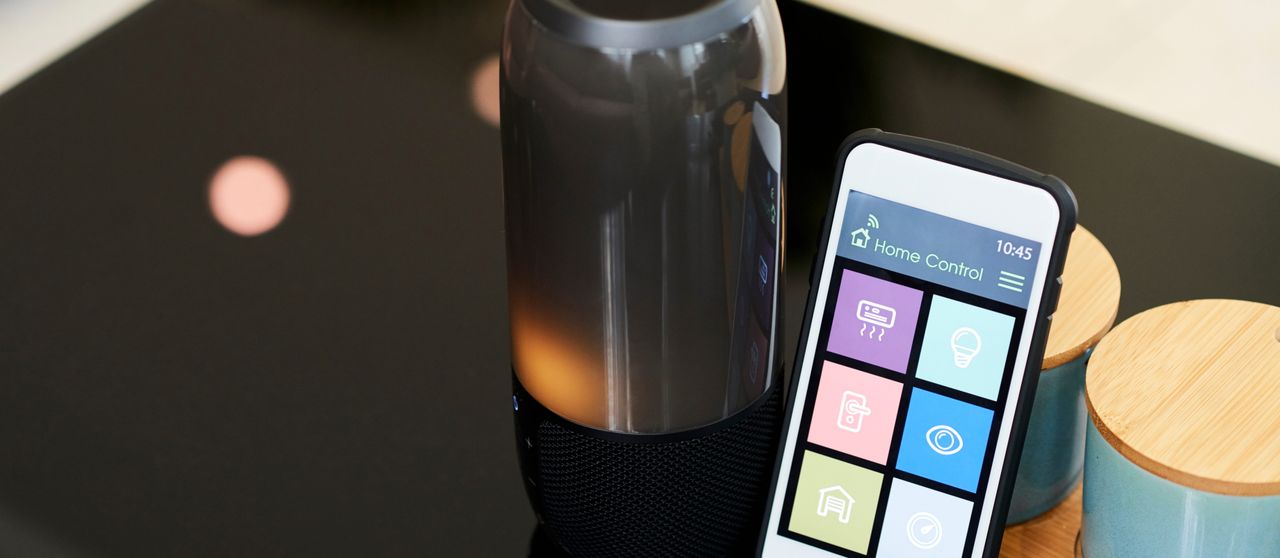
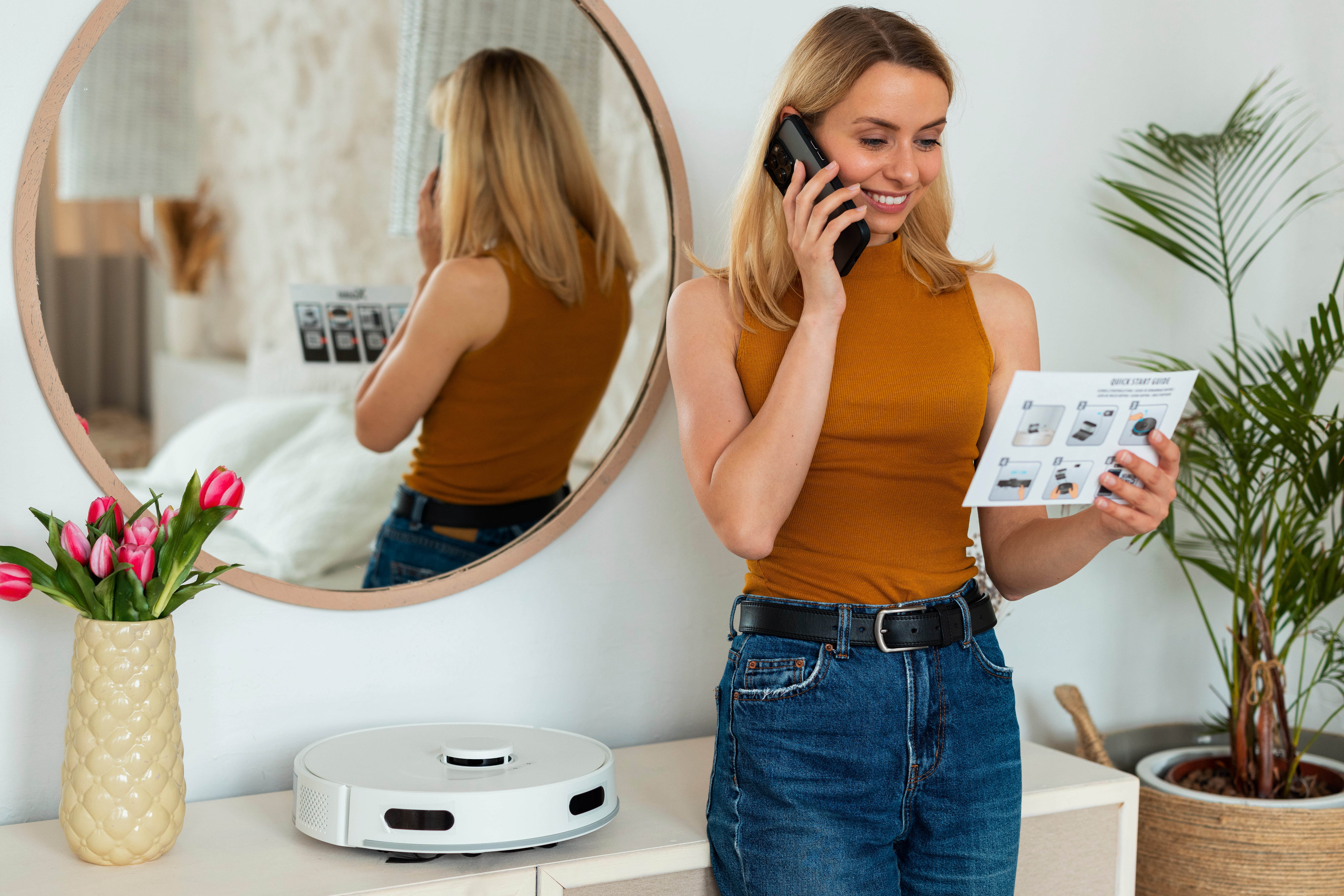
How to Download the Amazon Alexa App (iOS & Android)
Downloading is straightforward and takes under 2 minutes.
For iPhone/iPad (iOS)
- Open the App Store.
- Search for "Amazon Alexa" (developer: Amazon Mobile LLC).
- Tap Get (free; in-app purchases for extras like Amazon Kids+).
- Install, then open and sign in with your Amazon account.
- Optional: Add Alexa widgets to your home screen (long-press home screen > Widgets > Alexa) for quick access to controls, timers, or music.
For Android Phones/Tablets
- Open the Google Play Store.
- Search for "Amazon Alexa".
- Tap Install (free; latest version around 2.2.66x as of January 2026).
- Open the app and sign in.
- Add widgets or shortcuts to your home screen for faster access.
Direct Links (2026)
- iOS: Search "Amazon Alexa" in App Store or visit apps.apple.com.
- Android: Search in Play Store or amazon.com/Alexa-App.
After install, the app prompts device setup if you have an Echo nearby.
Step-by-Step Setup Guide for the Alexa App
01 Sign In & Permissions
Use your Amazon account. Grant microphone, location (for weather/smart home), and notifications for best experience.
02 Add Your Alexa Device
Plug in your Echo. In the app: Tap Devices (bottom menu) > + > Add Device > Amazon Echo > select model. The app detects it (orange light spins). Connect to Wi-Fi (2.4 GHz preferred), set location/name, and enable Voice ID for personalized responses.
03 Enable Alexa+ (If Eligible)
During setup or in app notifications: Tap prompts for Early Access. Set device language to English (US) in app > Settings > Device Options. Alexa+ activates across Echo, app, and alexa.com.
04 Link Services & Customize
- Music: Set default (Spotify, Amazon Music).
- Smart Home: Add devices/groups.
- Communication: Enable calls, Drop In.
- Routines: Create automations (e.g., "Good Morning" → lights on + news).
Key Features of the Alexa App in 2026
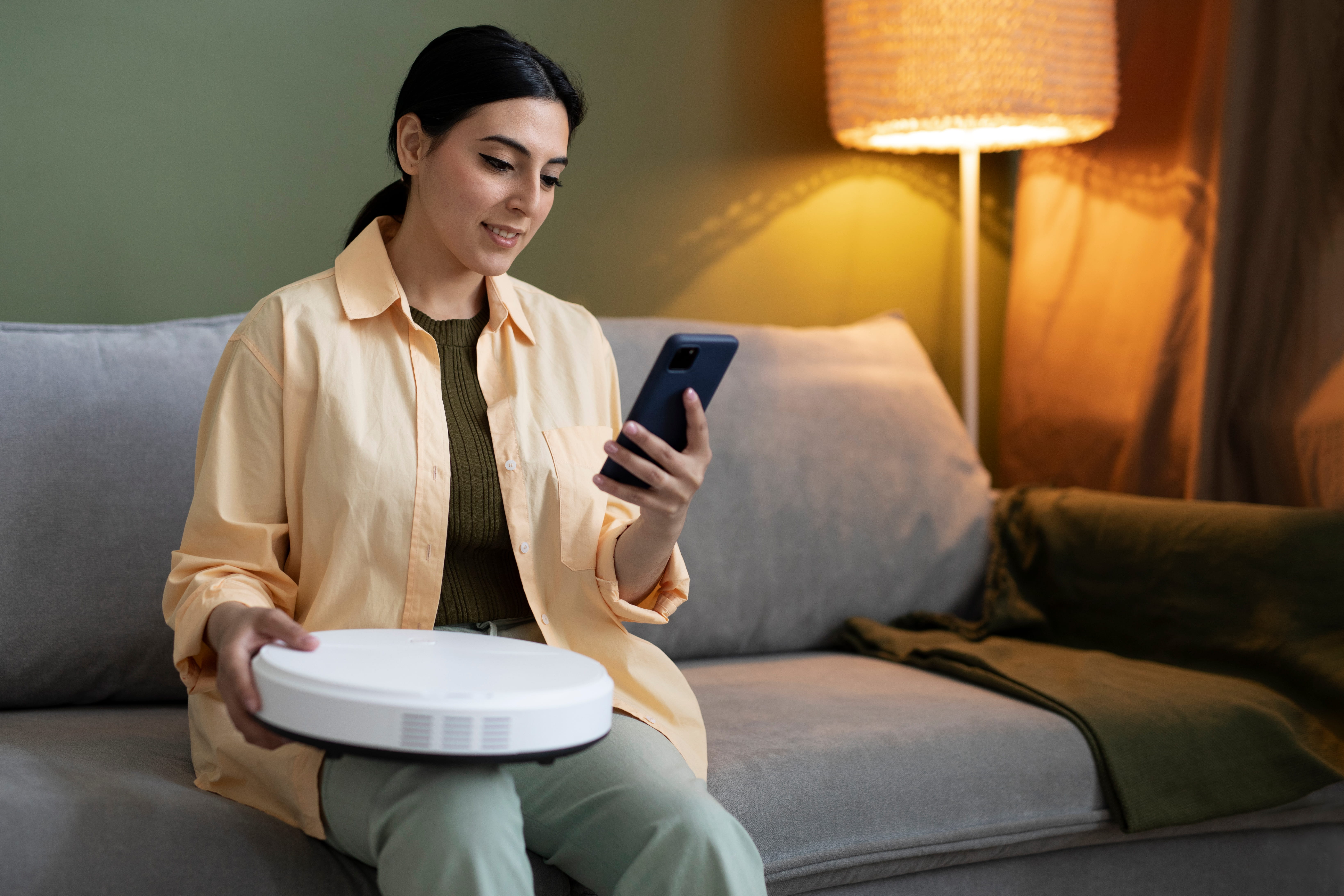
Device Management
View/control all Echo/Fire devices; adjust volume, equalizer, wake word.
Smart Home Hub
Group devices, create scenes, integrate Ring, Philips Hue, etc.
Routines & Hunches
Automate tasks; Alexa suggests based on habits.
Alexa+ AI Enhancements
Natural chat, trip planning, content creation, persistent context.
Alexa.com Web Access
Browser version for typing/talking to Alexa+.
Privacy Controls
Review/delete voice history, auto-delete, mic/camera management.
Music & Media
Control playback, create playlists, multi-room audio.
Lists & Reminders
Shopping/to-do lists sync across devices.
Tips to Get the Most Out of the Alexa App
- Update Regularly: Keeps bug fixes and new features running smoothly (e.g., recent 2026 updates improved device views and Alexa+ Store).
- Use Widgets: Quick access for timers, weather, or smart controls on your home screen.
- Optimize Privacy: Enable short voice history deletion for added privacy.
- Fix Weak Wi-Fi: Use extenders; the app displays real-time signal strength in Device Health.
- Multi-User Personalization: Add Voice Profiles for family personalization.
Common Troubleshooting for the Alexa App
Written by Abdul Wahab
Smart Home Fixer covers smart lighting, home automation gadgets, and practical setup guides to help you get the most out of your connected home.
Last Updated: August 22, 2026
5 Frequently Asked Questions (FAQs)
Free on iOS (App Store) or Android (Google Play Store). Search "Amazon Alexa" by Amazon Mobile LLC. Avoid unofficial sites for safety.
Yes for setup, customization, smart home management, and Alexa+ features. Basic voice commands work on Echo without it, but full control needs the app.
During setup or via app notifications/email, opt into Early Access (free through at least January 2026 for eligible Echo/Fire owners). Set language to English (US); it activates across devices and alexa.com.
Device setup/control, smart home groups/routines, music linking, privacy settings, lists/reminders, communication (calls/Drop In), and Alexa+ AI for natural tasks like planning or reservations.
Yes — for Alexa+ on phone/browser (alexa.com), basic features, or controlling linked services. But full smart home/voice benefits shine with Echo devices.
The Amazon Alexa app makes your smart home effortless. Download it today from the App Store or Play Store and start with Alexa!