
How to Install a Ring Battery Doorbell
.jpg)
What You'll Need
- • Your Ring Battery Doorbell device and rechargeable battery.
- • USB charging cable, mounting bracket, screws, anchors, wedge kit, and security tool/screwdriver.
- • Level, pencil, and drill (with a masonry bit for brick or concrete).
- • Smartphone with the free Ring app and a strong 2.4 GHz Wi-Fi signal.
Tip: Charge the battery fully first (5–10 hours). A green light or full indicator means it's ready.
Step-by-Step Installation Guide
- Set Up in the Ring App: Download the app, sign in, tap "Set Up a Device", select your model, scan the QR code, and connect to Wi-Fi near your router.
- Choose the Mounting Location: Mount 4–5 feet high for optimal face and package detection. Angle slightly downward using the wedge kit if needed.
- Prepare and Mount the Bracket: Use the included level to mark screw holes. Screw directly into wood or use anchors for brick/stucco/concrete. Ensure it is tightly secured.
- Attach the Doorbell: Snap or slide the Ring device onto the bracket until it clicks. Insert the fully charged battery and tighten the security screw at the bottom.
- Finalize and Test: Test Live View, two-way talk, and motion alerts in the app. Customize motion zones to optimize battery life.
How to Remove a Ring Doorbell
Removing a Ring battery doorbell takes under 2 minutes and is common for recharging the battery every few months:
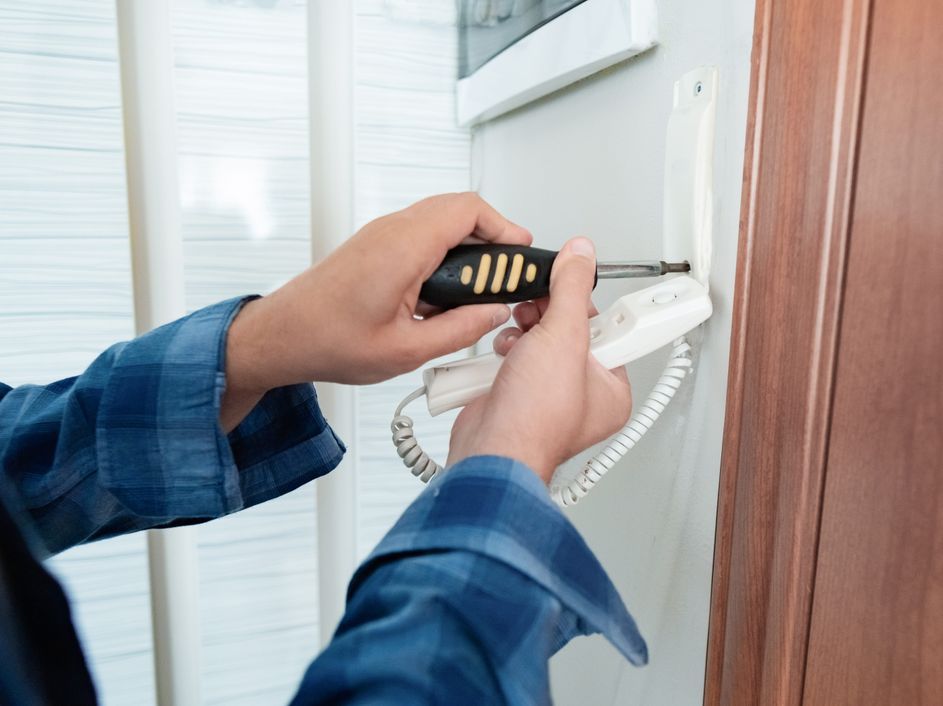
- Release Security Features: Use the included security tool or a Torx screwdriver to loosen the bottom security screw.
- Detach from Mount: Insert the release tool into the slot at the bottom until you feel a click, then gently pull the bottom outward and upward.
- Remove Battery: Slide out the battery pack from the bottom compartment for charging.
Common Issues & Fixes
- Stuck Doorbell: Ensure the bottom security screw is fully loosened.
- No Tool Available: A small flathead screwdriver often works as a substitute.
- Wired Models: Disconnect power wires safely at the breaker before performing maintenance if applicable.
Smart Home Fixer covers smart lighting, home automation gadgets, and practical setup guides to help you get the most out of your connected home.
Frequently Asked Questions
It's a simple DIY process with no wiring required for power:
- Fully charge the battery first (5–10 hours via USB).
- Set up in the Ring app: Download the app, scan the QR code, connect to 2.4 GHz Wi-Fi.
- Mount 4–5 feet high: Mark holes with the level, screw the bracket (use anchors for brick), snap the doorbell on, insert battery, and tighten security screw.
- Test Live View and motion in the app. Total time: 15–45 minutes. Always preview the view in the app before drilling.
Removal is quick:
- Locate the small hole or slot at the bottom of the doorbell (often with an orange clip visible).
- Insert the included orange/black security tool (or a small flathead screwdriver) into the hole and press the release tab.
- Gently pull the bottom outward and upward to unhook it from the bracket (top hooks release last).
- For charging: Slide out the removable battery (most models) or plug USB into the port (some integrated models).
- Reattach by hooking the top first, pressing the bottom until it clicks, and tightening the security screw.
Expect 6–12 months with average use (a few events daily), but heavy motion, cold weather, or weak Wi-Fi can reduce it to 1–6 months.
- Charge: Remove the battery and plug into a USB outlet (Micro-USB or USB-C depending on model) for 5–10 hours until the light turns solid green/blue or the indicator shows full.
- Tip: Optimize in the app by shrinking motion zones, lowering sensitivity, and using "Lightly" frequency to extend life.
No subscription is required for basic features: Live View, motion alerts, two-way talk, and doorbell notifications. A Ring Protect Plan (Basic ~$3–5/month or Premium ~$10/month per device) is needed for video recording, event history (up to 180 days), person/package detection sharing, and rich notifications. Without it, you get real-time alerts but no saved footage.
Common fixes:
- Ensure you're using 2.4 GHz Wi-Fi (not 5 GHz).
- Move closer to the router during setup or add a Wi-Fi extender for better signal.
- Reboot: Remove/reinsert battery for 30 seconds, then retry.
- Check Device Health in the app for signal strength and firmware updates.
- If issues persist, reset the device via the app or contact Ring support.