Firestick Live TV Apps: Stream Your Favorite Channels Instantly
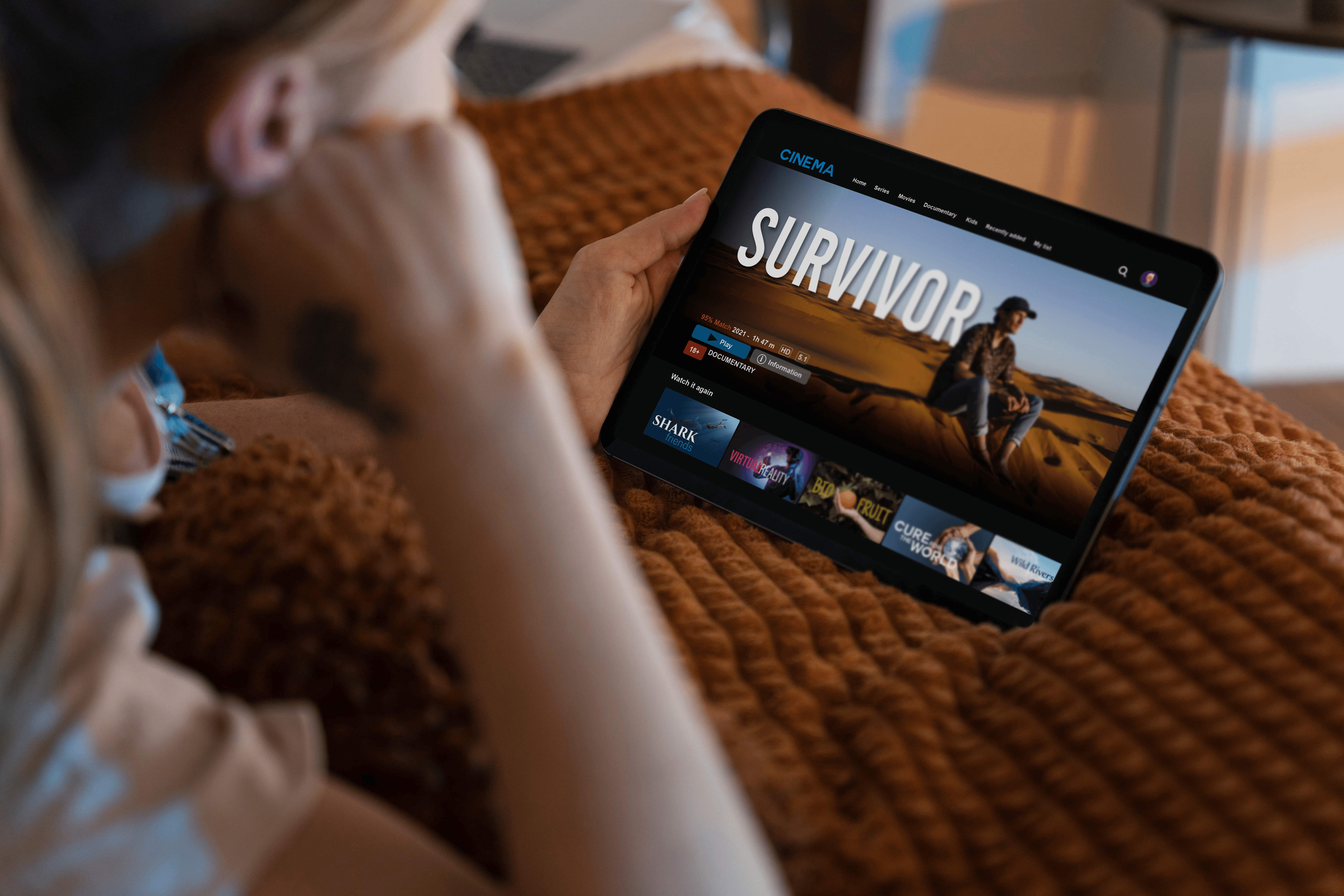
Amazon Firestick has completely transformed how people consume entertainment. Gone are the days of relying solely on expensive cable subscriptions or satellite TV. With Firestick, you can stream movies, TV shows, and live channels directly to your screen.
One of the most exciting capabilities for modern cord-cutters is Live TV streaming. These apps allow you to watch live news, sports, entertainment, and international channels in real-time. In this extended guide, we’ll cover top live TV apps, installation steps, troubleshooting tips, and smart home integration strategies for an optimal viewing experience.
Why Firestick Live TV Apps Are a Game-Changer
Cord-Cutting Freedom
Eliminate costly monthly cable bills while keeping access to high-definition live channels.
Ultimate Flexibility
Stream anywhere in your home or on the go as long as your device has a stable Wi-Fi connection.
Diverse Content Variety
Access live sports, local news, global entertainment, and specialty channels in one hub.
Smart Voice Commands
Seamlessly control channel switching and playback hands-free using Alexa voice search.
Budget-Friendly Options
Choose from 100% free ad-supported services or flexible, low-cost subscription packages.
Top Firestick Live TV Apps
Explore the leading premium and free live television platforms tailored for every viewer:
Sling TV
Paid / A La CarteOne of the most customizable live streaming services offering popular networks like ESPN, CNN, HGTV, and TNT without long-term contracts.
- Modular channel packages so you only pay for what you watch
- Simultaneous streaming on up to 3 devices
- Full Alexa integration for quick channel switching
Ideal for: Viewers looking for cheap, flexible channel packages.
YouTube TV
Premium Cable ReplacementCombines 100+ live broadcast networks (ABC, NBC, CBS, FOX) with on-demand programs and sports add-ons.
- Unlimited Cloud DVR storage with no expiration limits
- Supports up to 3 simultaneous household streams and 6 family accounts
- Sleek, intuitive interface with fast channel browsing
Ideal for: Families wanting a complete cable substitute with DVR.
Hulu + Live TV
Live + On-Demand BundleMerges live television channels with Hulu's massive library of original series, movies, and next-day broadcast shows.
- Comprehensive live sports, news, and entertainment line-up
- Full access to Disney+ and ESPN+ on select plan bundles
- Multi-profile support for personalized recommendations
Ideal for: Content lovers who want both live television and streaming libraries.
fuboTV
Sports FirstBuilt specifically for sports fans, providing unmatched coverage of international soccer leagues, NFL, NBA, MLB, and regional sports networks.
- Select live sporting events available in crystal-clear 4K HDR
- Generous Cloud DVR options for recording live matches
- Extensive regional and international sports coverage
Ideal for: Die-hard sports enthusiasts and international viewers.
Pluto TV
100% Free (Ad-Supported)A completely free streaming app featuring over 250 curated linear channels organized like traditional cable TV.
- No registration, subscription, or credit card required
- Classic TV shows, curated movie networks, news, and gaming streams
- Familiar grid channel guide for effortless channel surfing
Ideal for: Casual viewers looking for zero-cost live entertainment.
Peacock
NBCUniversal’s app offering live sports (Premier League, WWE), breaking news channels, original series, and hit movies.
Freemium model available.
Local Now
Focuses on localized news broadcasts, severe weather warnings, and hyper-local community updates based on your ZIP code.
100% Free app.
How to Install Live TV Apps on Firestick
Setting up your live TV streaming apps takes less than two minutes:
Smart Home Integration with Firestick
Alexa Voice Commands
Pair your Echo speakers or remote to say “Alexa, open Sling TV” or “Alexa, play ESPN” without touching buttons.
Movie Night Lighting
Create smart lighting routines that automatically dim room lights when live TV apps begin playing.
Multi-Room Entertainment
Sync live broadcasts across multiple Firestick devices or link smart speakers for room-filling audio.
Automated Smart Routines
Schedule your Firestick to automatically power on morning news channels at 7:00 AM alongside your smart coffee maker.
Troubleshooting Common Live TV Issues
App Freezing or Crashing
Go to Settings → Applications → Manage Installed Applications, select the app, and click Clear Cache.
Buffering & Lag
Ensure Wi-Fi speed is at least 10 Mbps for HD. Move your router closer or switch to a 5GHz band.
Geo-Blocks & Location Errors
If regional blackouts occur, connect via a trusted VPN service to unblock restricted sports channels.
Remote Control Unresponsive
Replace AAA batteries, or install the official Fire TV mobile app on your smartphone as a temporary remote.
Tips for the Ultimate Experience
- Use an Ethernet Adapter: Wired connections eliminate Wi-Fi latency for uninterrupted live sports.
- Enable Auto-Updates: Keeps streaming apps and Fire OS firmware secure and running smoothly.
- Combine Free & Paid Apps: Pair Pluto TV or Local Now with paid services to maximize channel choices.
- Automate with Smart Accessories: Utilize smart plugs, light strips, and voice hubs to create a seamless futuristic home theater.
Written by Abdul Wahab
Smart Home Fixer covers smart lighting, home automation gadgets, and practical setup guides to help you get the most out of your connected home.
Last Updated: August 22, 2026
Frequently Asked Questions (FAQs)
Some apps like Pluto TV, Local Now, and Peacock free tier are free. Paid apps like Sling TV, Hulu + Live TV, and YouTube TV require subscriptions.
You can install multiple apps, limited only by the device storage.
Yes. A minimum of 5–10 Mbps is recommended for HD streaming; higher speeds are preferred for 4K content.
Yes. Firestick integrates with Alexa-enabled devices for hands-free control.
Most apps work on Firestick 4K, Firestick Lite, and Fire TV Stick, though some features may require newer models.